

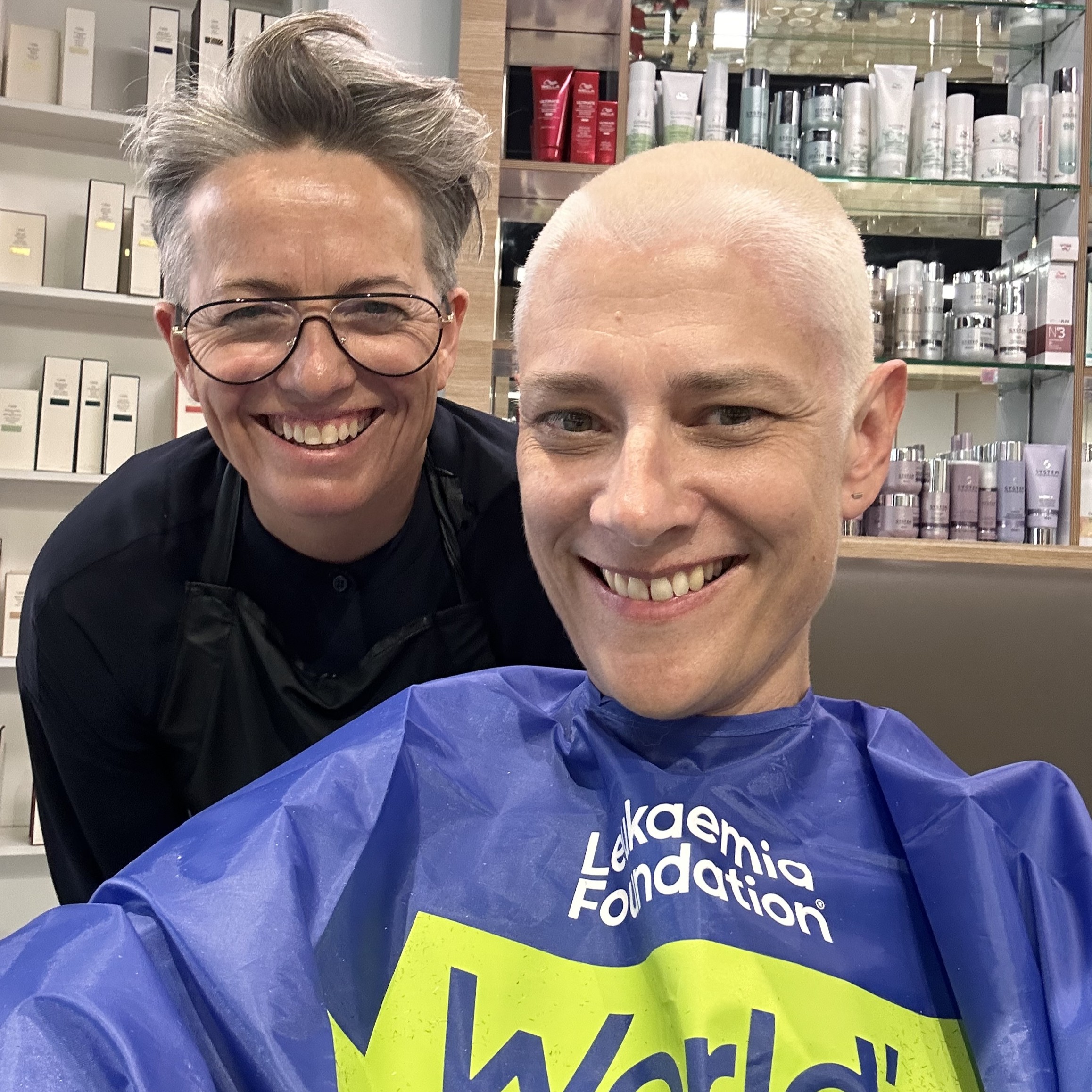
A key way to make sure you raise awareness of the World’s Greatest Shave and hit your fundraising goal is to share your fundraising page and experience on social media.
If you don’t post on social media often, it can sometimes feel daunting, and it can be tricky to know which videos and photos will help you gain traction.
To help, we’ve put together our top three tips for promoting your fundraiser on social media, to help you gain confidence and get your community excited about your upcoming event.
1. Share your fundraising page on social media
Once you’ve signed up, the first thing you should do is share that you’re participating in the World’s Greatest Shave along with a link to your fundraising page. This helps tell people what you are fundraising for and your fundraising goal.
View your preferred social media platform below to learn how to link your fundraising page.
How to link your fundraising page on different social platforms
Copy and paste your fundraising page link into your post caption. For Facebook Messenger, you can also copy and paste your fundraising page link into your message.
Unfortunately, you can’t include links in posts or reels. Add your fundraising page link to your profile’s bio – extra points if you also tag @worldsgreatestshave next to it! You can also copy and paste the link and add to an Instagram story.
TikTok
You can't include links in posts. Instead, add your fundraising page link to your profile’s bio – you can also tag @worldsgreatestshaveaus next to it, if you’d like!
Simply copy and paste your fundraising page link into your post caption.
YouTube
It’s best to not include links in video captions. Instead, add your fundraising page link to your profile’s bio – you can tag @leukaemiafoundationaus.
Simply copy and paste your fundraising page link into your message or group chat.
Copy and paste your fundraising page link in a message to a community, or on a Thread. You can also add your fundraising page link to your profile’s bio.
Snapchat
You can share your fundraising link with a sticker on your story. You can also add your fundraising page link to your profile’s bio (if this option is available to you).
You can add your fundraising page link to your profile’s bio, with an option to pin the website to your boards.
X (Twitter)
Copy and paste your fundraising page link in a post. You can also add it to your profile’s bio.
2. Create a video explaining your “why”
Many fundraisers share their reason for fundraising – also know as their “why” – by posting a video to social media. This allows their friends, family, and other community members to learn more about the impact of funds raised.
We encourage fundraisers to share the motivations behind their fundraising efforts, the amount they aim to raise, and if they have a personal connection to cancer, their story (if they feel comfortable doing so). It’s also great to share how fundraising in the World’s Greatest Shave helps the Leukaemia Foundation care for people in Australia impacted by blood cancer. Learn where the fundraising money goes here.
Tips for social media videos
When creating a video about your “why”, we recommend to:
- Use natural lighting wherever possible and turn the lights on if you’re inside.
- Check that your background is suitable.
- Make sure the person or team are in frame – don’t be afraid to get closer to the camera!
- Listen to your video after filming to ensure the audio is clear and loud enough, in case you need to re-film.
To learn more about your impact, watch this video from blood cancer survivor and World’s Greatest Shave fundraiser, Xavier.
3. Post highlights from your fundraising event and hair transformation
Posting fun and engaging content from your event or hair transformation to social media is a great way to gain extra donations. Whether you’re shaving, cutting, or colouring, showcasing your before and after look ensures your community knows you’ve completed the fundraiser and reminds people to donate.
Ideas for sharing your new look
Ideas for sharing your hair transformation include:
- Video or photo montage of the moments from your shave, cut or colour – choose your favourite song to play over the top!
- Video timelapse of your hair transformation.
- POV photos or videos of your shave, cut or colour experience.
- Video thanking your supporters and showing off your new look.
More social media resources
We’ve created extra resources to help you promote your fundraiser on social media, including templates in Canva.
Share personalised social tiles!
Create your own social tiles through Canva.
Custom social tiles
Edit, customise and share your own social tiles directly from Canva.
Get creativeCustom story templates
Edit, customise and share your own Instagram stories directly from Canva.
Get creativeWant to be featured on the World’s Greatest Shave social media accounts?
We love to feature the incredible efforts of fundraisers from all over Australia on our social media accounts! If you’d like to be featured, simply tag us on your preferred social media channel or message us directly.
